Print Bridge
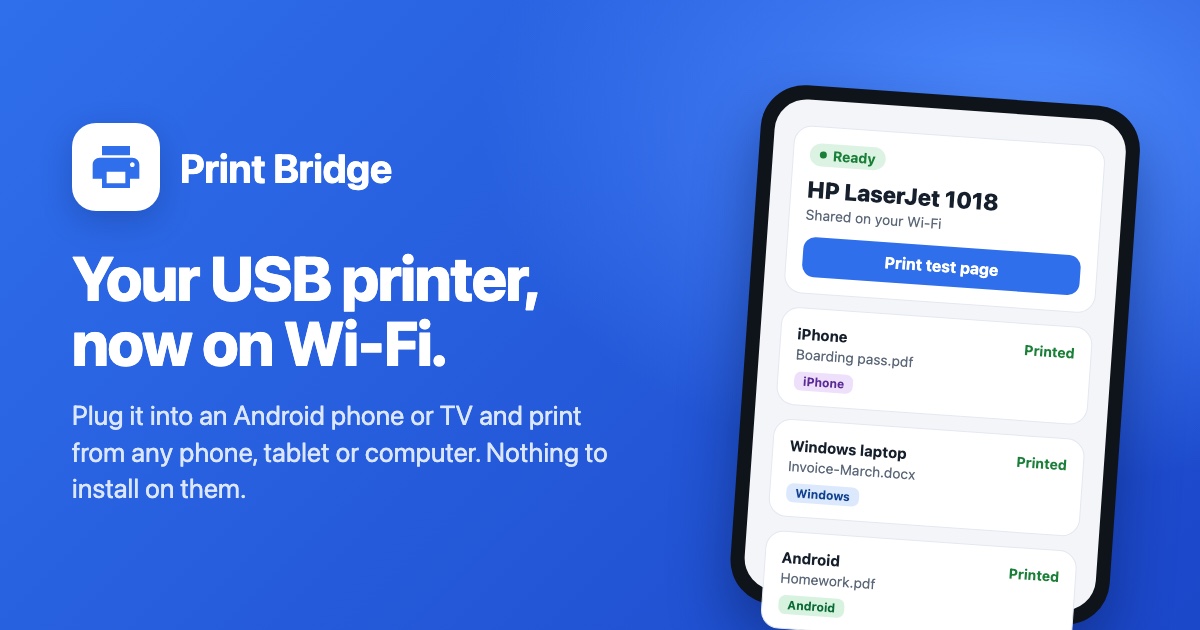
Turns an Android phone or TV with a USB printer into a printer everything on your Wi-Fi can use.
Print Bridge is on Google Play.

Installed it from this website before? Get it from Google Play too: it updates the app you have and keeps your settings, and it stays free for you.
Getting started
- Install Print Bridge from Google Play on the Android phone, tablet or TV that will stay next to the printer.
- Plug the printer into it (a phone needs a USB-C OTG adapter) and switch it on.
- Follow the setup, then print from any phone or computer on the same Wi-Fi.
Not sure about your printer? See whether it works.
Will my printer work?
Tested: pages printed
- HP LaserJet 1018Print Bridge loads the printer's firmware by itself each time it is switched on.
- HP LaserJet 1020Print Bridge loads the printer's firmware by itself each time it is switched on.
- HP LaserJet M1005 MFPPrinting only; the scanner is not used.
- Epson L210Black and white.
- Kyocera FS-1010
- Lexmark MS510dn
Supported, not confirmed yet
Office printers that understand PCLMany office lasers from HP, Kyocera, Brother, Samsung, Xerox and others. When you plug a printer in, Print Bridge asks it whether it does.
Lexmark office lasersThe MS, MX, E, T, C and CS families, the same way as the Lexmark MS510dn.
Not supported yet
- Not yetCanon PIXMA inkjetsThey understand only Canon's own inkjet language. Support is being looked into.
- Not yetCanon LBP6030, LBP6040 and LBP6018LThey use Canon's UFR II LT language, which Canon publishes only as closed software. Support is being looked into.
- Not yetEpson L1300 and L1800Their printer language differs from the other Epson L-series printers.
Missing your printer? Plug it in anyway: Print Bridge asks the printer what it understands, and asks the developer for a driver when it can't drive it. This list is updated with every version of the app; this one is of 19 October 2026.